
Run VPN Checks From Your AI Assistant: VPN Ops Over MCP
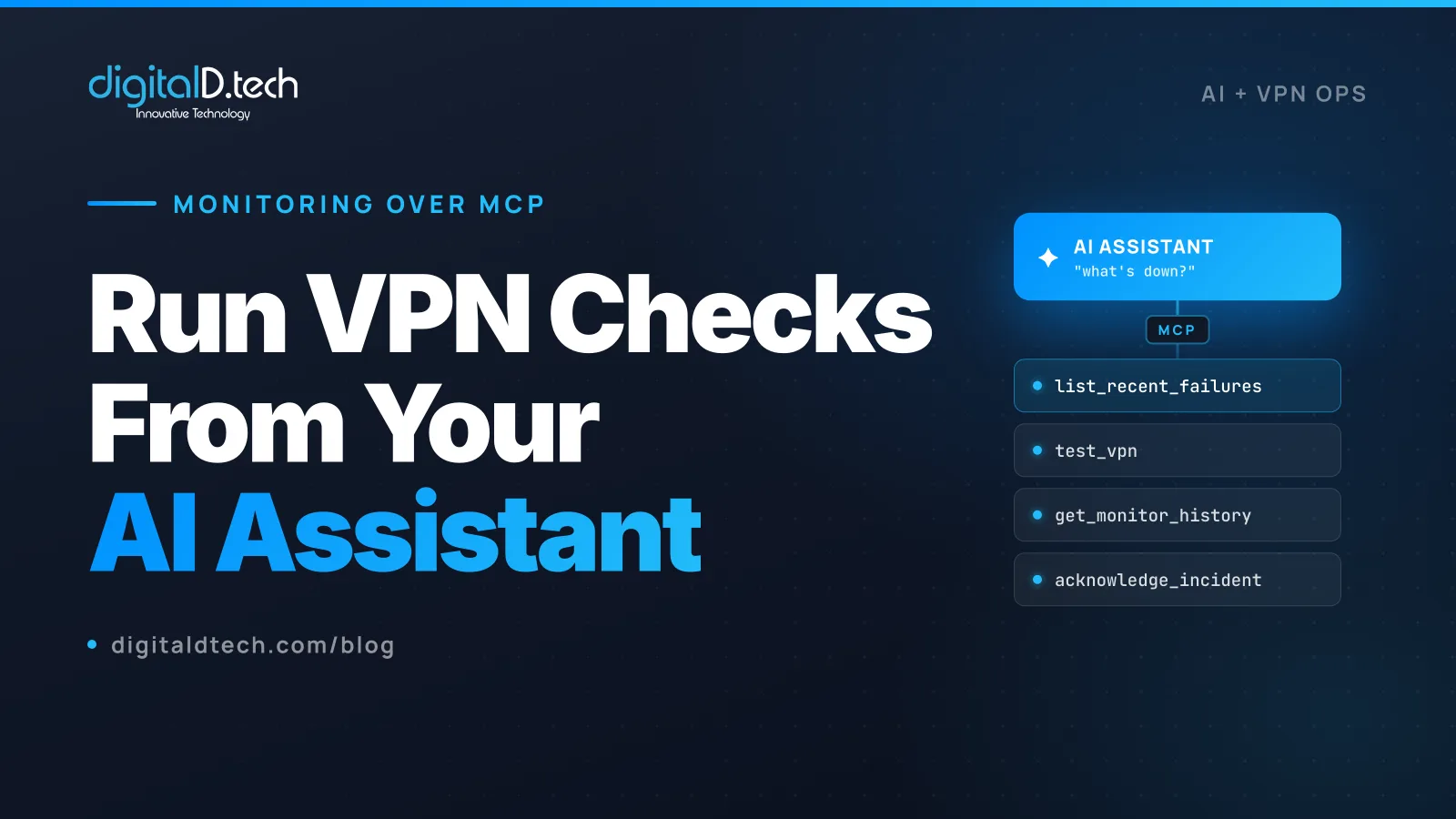
A lot of VPN operations is repetitive checking. Is this VLESS config valid before I roll it out? What is down right now? How has the Singapore node behaved this week? Did that incident in APAC clear? Each of these is a quick lookup, and doing them by hand across a dashboard and a terminal adds up.
The Model Context Protocol (MCP) changes the shape of that work. It lets an AI assistant like Claude, Cursor, or Windsurf call your tools directly, so you can ask those questions in plain language and get answers backed by real checks against your monitoring. We build VPN infrastructure and our own monitoring platform exposes an MCP server, so this guide is a practical look at what operating a VPN over MCP actually looks like, where it genuinely helps, and the limits you should respect.
What MCP Is, Briefly
The Model Context Protocol is an open standard for connecting AI assistants to external tools and data. A program exposes an “MCP server” that advertises a set of tools, each with a name, a description, and typed inputs. An MCP-compatible client (Claude, Cursor, Windsurf, and other clients that support the standard) can then call those tools on your behalf, with your approval, while you talk to it in natural language.
The important part for operations is that the assistant is not guessing. When you ask “what is down right now,” it is not inventing an answer. It calls a real tool that queries your real monitoring, and reports what came back. The language is loose; the data underneath is not.
Why This Fits VPN Operations
VPN ops maps unusually well onto MCP, because so much of the work is read-checks and validations that translate cleanly into tool calls:
- Config validation is a yes-or-no question with a clear input (a config) and a clear result (does it connect).
- Triage is a query: what failed, when, where.
- Investigation is a timeseries lookup: how has this node behaved.
- Incident handling is a small set of actions: acknowledge, retest, resolve.
These are exactly the operations a tool server can expose safely, and exactly the questions you want to ask quickly without context-switching out of your editor or chat.
What You Can Actually Do
To make this concrete, here is the kind of tool surface a VPN monitoring MCP server exposes. The examples below use TunnelHQ, our own VPN and infrastructure monitoring platform, which ships an MCP server (@tunnelhq/mcp) that lets Claude, Cursor, and Windsurf test configs and manage monitors through its API. Disclosure: TunnelHQ is our product, so treat this as one concrete implementation, not the only one.
Validate a config before you ship it
You paste a VLESS or WireGuard config and ask the assistant to check it. Under the hood it calls a test_vpn tool that attempts a real connection and reports whether it works, rather than just parsing the syntax. For a batch, a test_batch tool checks many configs at once. This is the difference between “the config looks right” and “the config actually connects.”
Triage fast
When something feels off, you ask “what is down right now” and the assistant calls list_recent_failures, which returns recent failed checks directly, faster than scanning everything. “What happened in the last hour” maps to list_recent_results across all monitors. You get the shortlist without opening five dashboard tabs.
Investigate a specific node
“How has the Singapore node been this week” calls get_monitor_history, which returns the heartbeat and latency timeseries for that monitor. You are asking a question in plain language and getting back a real history, which is the fastest way to tell a one-off blip from a node that has been degrading.
Handle incidents
Incidents have a small, well-defined set of actions, and they map directly to tools: list_incidents to see open outages, get_incident for a single incident’s timeline and recovery time, acknowledge_incident to stop it paging while you work, and retest_incident to check immediately whether an outage has cleared. You can run an entire incident triage as a short conversation.
Manage subscriptions and bulk operations
If you import server configs from a subscription URL, a create_subscription tool adds it (v2ray and Xray base64, or sing-box JSON), and sync_subscription re-fetches it. For “test everything,” a batch_check_monitors tool queues checks across many monitors at once. The repetitive fleet-wide operations become one instruction.
A Realistic Session
Here is what a few minutes of ops looks like over MCP. You are talking to your assistant; the tool calls happen underneath.
You: A customer in Singapore says they cannot connect. What is the status of our APAC nodes?
(assistant calls
list_recent_failures, thenget_monitor_historyfor the APAC nodes)Assistant: node-sgp-03 has been failing connectivity checks for the last 20 minutes from the APAC test point, while it is still reachable from EU. The other APAC nodes are healthy. There is an open incident on node-sgp-03.
You: Acknowledge that incident so it stops paging, and retest it.
(assistant calls
acknowledge_incident, thenretest_incident)Assistant: Acknowledged. The retest still fails from APAC. This pattern (reachable from EU, blocked from APAC) is consistent with a regional block rather than a node outage.
That last line is judgment you still own, but the assistant got you to it in a fraction of the time, with the data to back it.
The Limits That Matter
This is a productivity aid for the repetitive parts of operations, not autonomous operations. A few rules keep it useful and safe.
- Do not let an AI be your alerting. An assistant answers when you ask. Your monitoring must still page a human automatically when a node goes down, through your normal alert channels and webhooks. MCP is for the investigation and the routine checks, not for catching the outage in the first place.
- Keep destructive actions human-confirmed. Good MCP servers mark destructive tools accordingly. TunnelHQ’s delete tools, for example, are described as destructive and expect confirmation before acting, and its API keys are never returned in full by the tools. Preserve that. An assistant should propose a deletion, not perform one silently.
- Use scoped, least-privilege API keys. The assistant acts with whatever key you give it. Give it a key scoped to the project and permissions it needs, and nothing more. Treat the key as a secret; do not paste it into a chat.
- Verify before you act on a summary. The data under the tool call is real, but the assistant’s phrasing of it can be wrong or incomplete. For anything consequential, confirm against the source before acting.
- Censorship judgment stays human. As the session above shows, an assistant can surface that a node is blocked regionally, but deciding to rotate IPs, swap a donor SNI, or change transport is an operational call with trade-offs. Keep it.
Setting It Up
At a high level, you add the MCP server to your client’s configuration with an API key, and it appears as a set of tools the assistant can call. For TunnelHQ, that means adding @tunnelhq/mcp to an MCP-compatible client (such as Claude Desktop, Cursor, or Windsurf) with a scoped TunnelHQ API key. The configuration shape is the standard MCP server entry your client uses:
{
  "mcpServers": {
    "tunnelhq": {
      "command": "npx",
      "args": ["-y", "@tunnelhq/mcp"],
      "env": { "TUNNELHQ_API_KEY": "your-scoped-key" }
    }
  }
}
Check the @tunnelhq/mcp package README for the exact command and environment keys, since those can change between versions. Once connected, the assistant lists the available tools and you can start asking questions in plain language.
FAQ
What is MCP in one sentence?
The Model Context Protocol is an open standard that lets AI assistants call external tools and read data through a server that advertises typed tools, so the assistant acts on real systems with your approval rather than guessing.
Can I really manage VPN monitoring from Claude or Cursor?
Yes, if your monitoring exposes an MCP server. TunnelHQ ships @tunnelhq/mcp, which lets Claude, Cursor, Windsurf, and other MCP-compatible clients test VPN configs, check what is down, review incident history, and manage monitors through its API. The assistant calls real tools against your monitoring; it does not invent results.
Is it safe to give an AI assistant access to my VPN monitoring?
It is, with the usual precautions. Use a scoped, least-privilege API key, keep destructive actions human-confirmed (well-designed MCP servers mark them and expect confirmation), never paste secrets into a chat, and verify consequential answers against the source. Used this way, the assistant reads and checks far more than it changes.
Does this replace alerting and on-call?
No. An assistant only responds when you ask it something. Automated alerting that pages a human when a node fails is still essential and separate. MCP is for the investigation and the routine checks, not for detecting the outage in the first place.
Which AI tools support MCP?
MCP is an open standard with a growing set of compatible clients, including Claude, Cursor, and Windsurf, with broader support arriving across the AI tooling space. Any client that implements the protocol can use a compatible server like @tunnelhq/mcp.
The Repetitive Parts, Handled
Operating a VPN is a lot of small, repeated checks, and those are exactly what an AI assistant over MCP is good at: validate a config, see what is down, pull a node’s history, work an incident, all in plain language against real data. It does not replace your alerting, your judgment, or your on-call rotation, and it should not. It removes the friction from the routine parts so your team spends its attention on the calls that actually need a human.
If you are running a VPN fleet and want monitoring you can operate this way, TunnelHQ is the platform we built for it, and DigitalD.tech can help you stand up monitoring as part of building or hardening a VPN operation. For the monitoring fundamentals, see our guide on how to monitor a VPN server fleet, and when you want to talk specifics, get in touch.